
Spriteloom
A downloadable tool
|
|
|
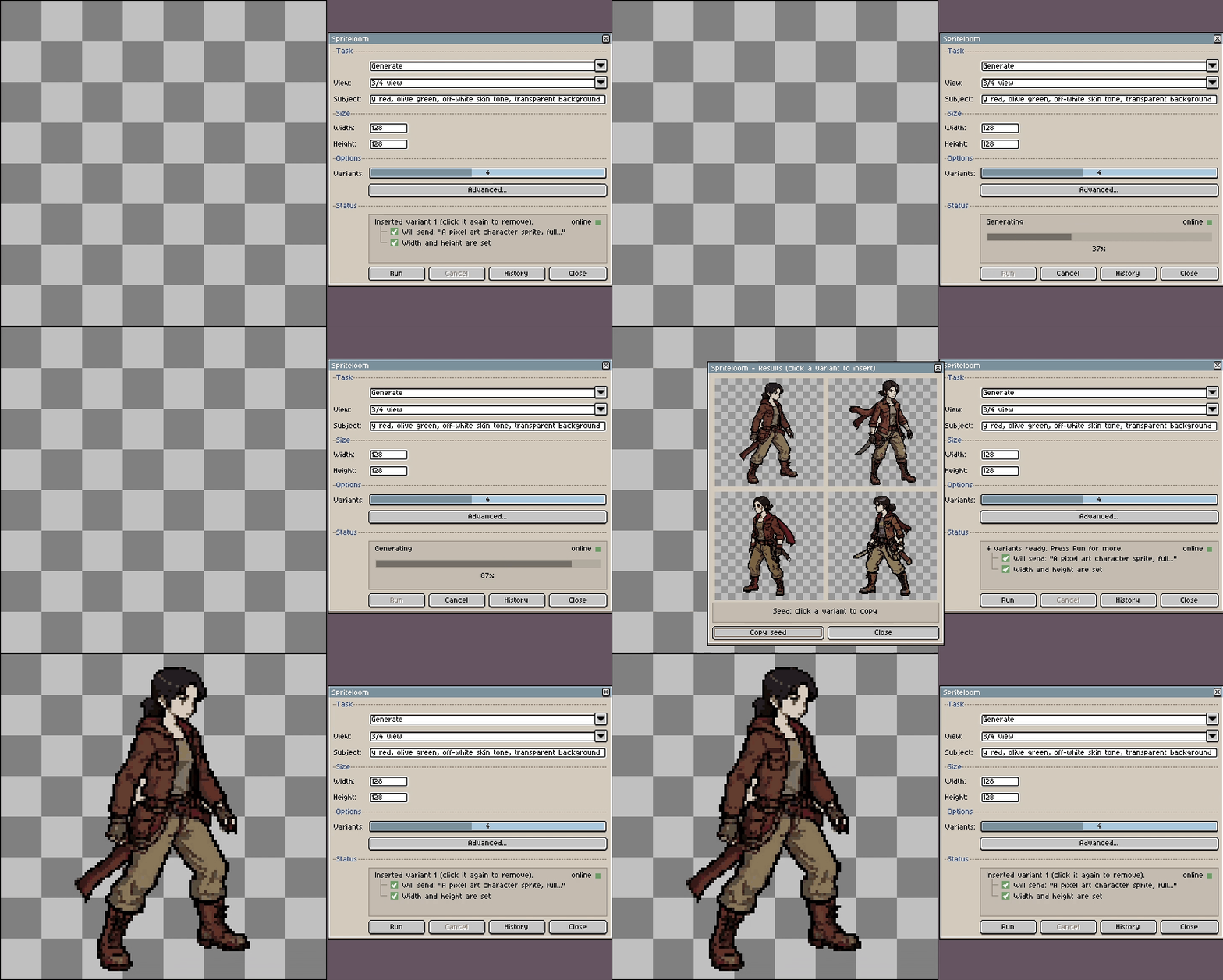
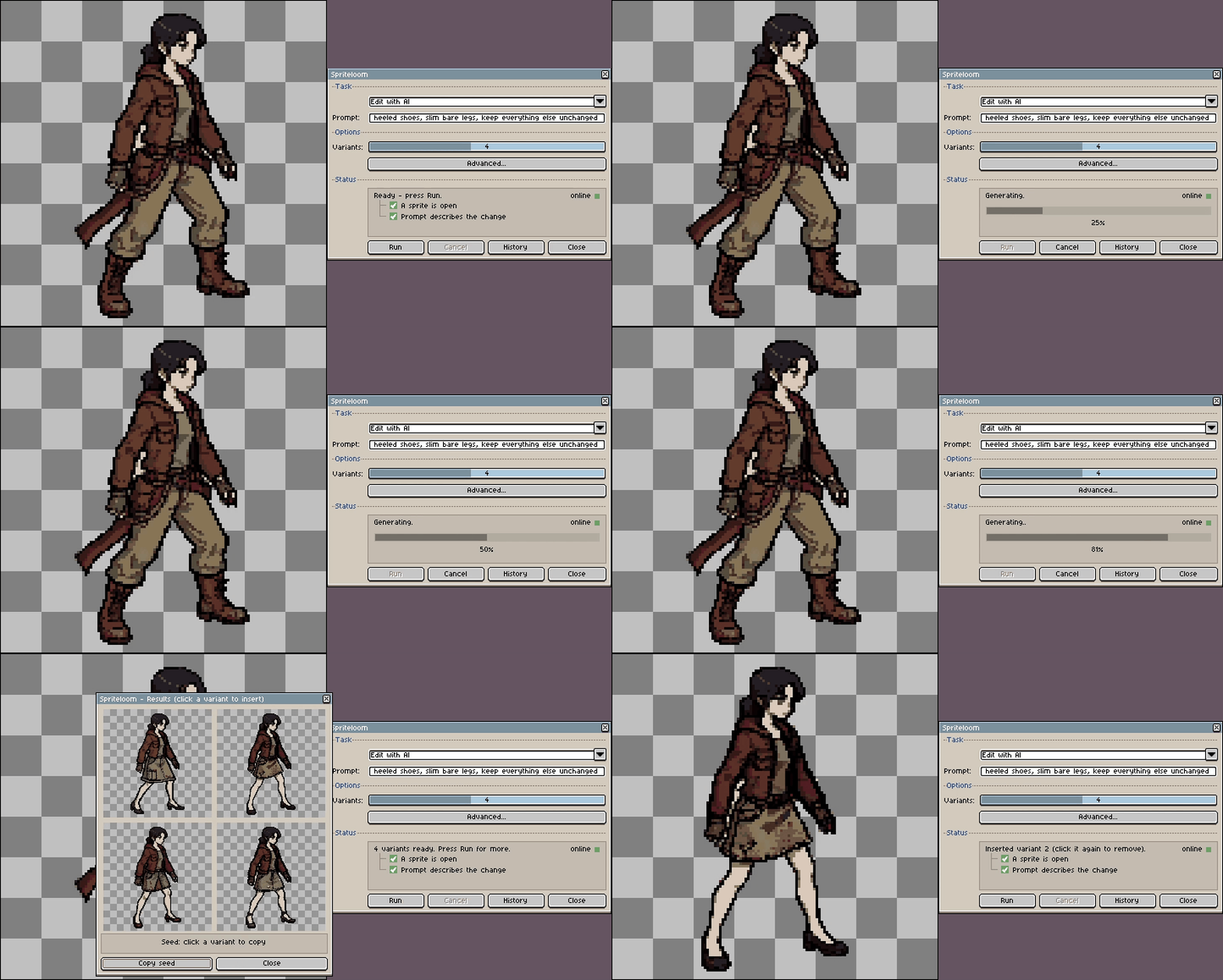
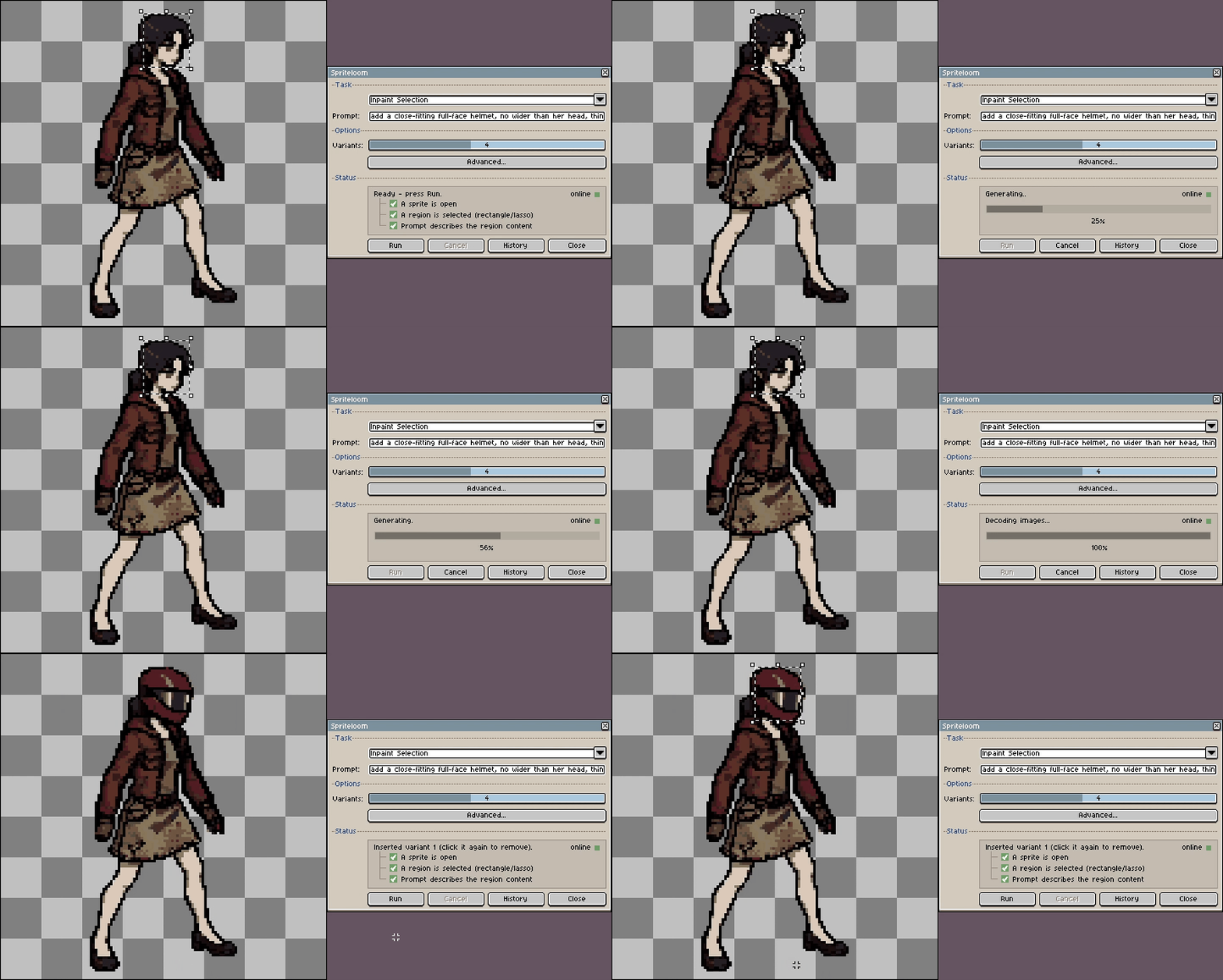
Generate · Edit with AI · Inpaint
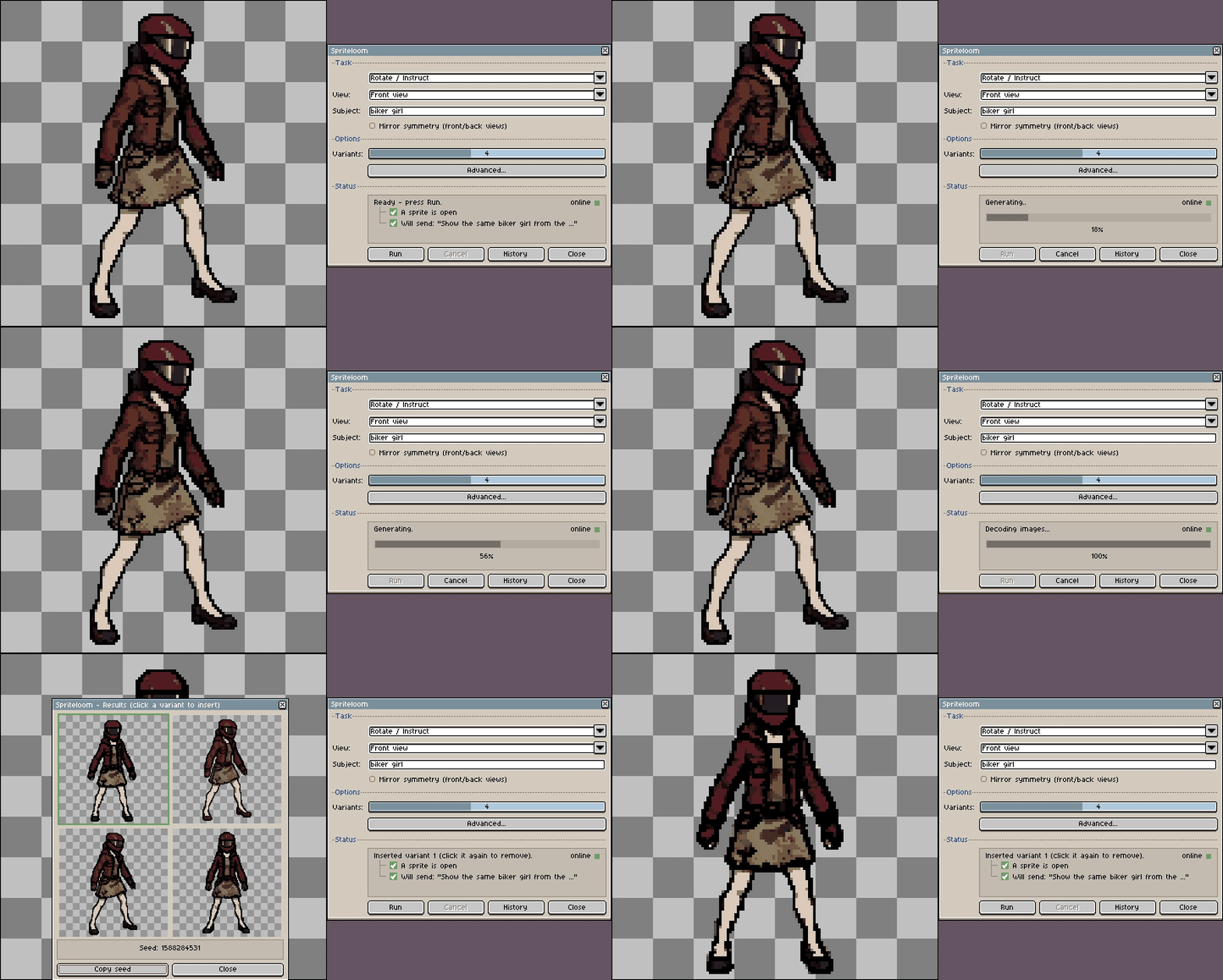
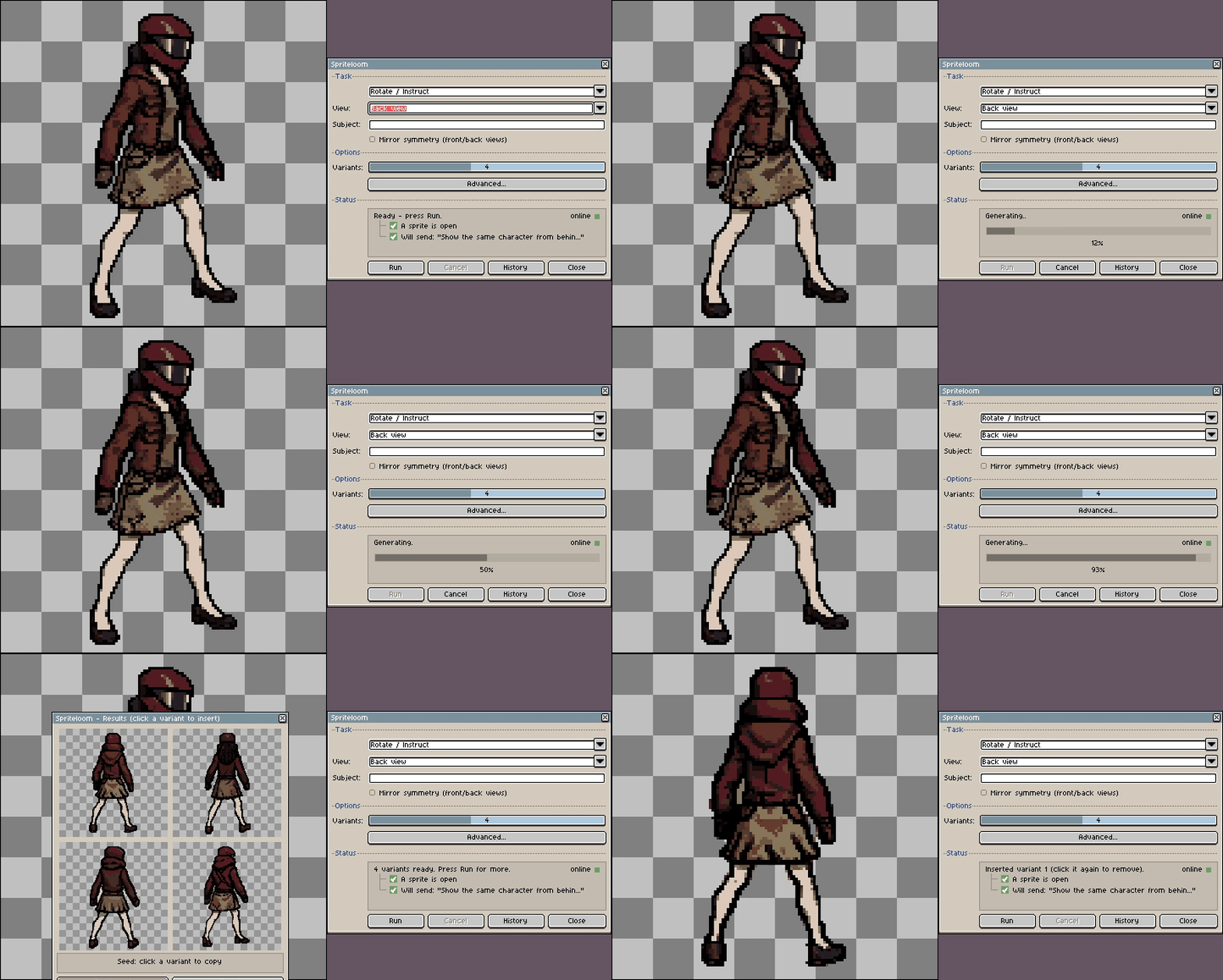
Rotate / Instruct, two different turnarounds
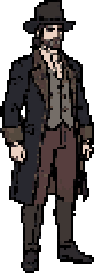
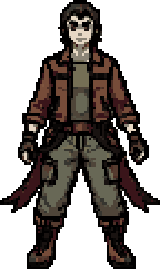
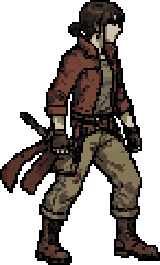
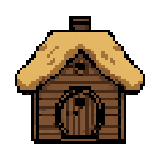
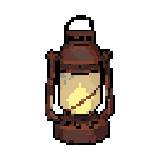

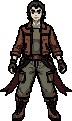
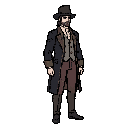
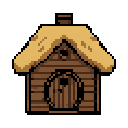
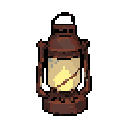
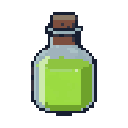
Real output, one generation each. Scaled up with hard pixel edges for display.
Spriteloom plugs an AI image model straight into Aseprite. Type a prompt, results open in a side window, and you click one to drop it in as a new layer - it never touches the pixels you already drew. Everything runs on your own GPU: no cloud, no account, no subscription.
Runs fully offline · one model for every task, no swaps · Apache 2.0 licensed · unit tested, with CI
What it does
- Generate from a prompt - a sprite from plain text, with view presets (3/4, side, front, top-down).
- Edit by instruction - "make the sword glow blue"; it keeps the style and everything you did not mention.
- Inpaint a selection - the same, but it only ever touches the selected region.
- Rotate and re-view - the same subject from another angle, with an optional mirror-symmetry toggle for front/back views (mirrors everything, so it can also warp an asymmetric pose or a one-handed weapon - worth trying, not a guaranteed improvement).
- Palette control - pin output to your project palette, or a .gpl / .pal / .png file, so a whole batch shares one set of colors.
- Background handling - auto-detect and strip a uniform background, strip the dominant border color, or keep it fully opaque.
- History - every run is saved to disk; click any past variant to insert it as a new layer.
Everything runs on a single model (FLUX.2 Klein 4B, Apache 2.0), so there are no model swaps between tasks: after the first load, tasks respond in seconds.
Why local
No cloud, no account, no subscription, no usage limits. Your prompts and your art never leave your machine. The tradeoff is honest: you need real GPU hardware, spelled out below.
Requirements
| Part | Needs |
|---|---|
| GPU | NVIDIA, 12+ GB VRAM (developed on an RTX 5080); 8 GB GPUs work too, in Legacy 8 GB mode |
| RAM | 16 GB minimum |
| OS | Windows |
| Python | 3.11+ |
| Aseprite | 1.3+ |
| Disk | ~15 GB for the model (downloaded during Setup) |
No NVIDIA GPU, no Spriteloom. There is no CPU fallback and no cloud option by design.
How it works
An Aseprite extension in Lua talks over WebSocket to a local Python server. On 12+ GB cards the model stays fully resident on the GPU; on 8 GB cards (Legacy 8 GB mode) each layer streams to the GPU per task instead, which is where that mode's extra time goes. Raw diffusion output is postprocessed into a clean sprite: crop to subject, palette quantization, background removal, mirror symmetry, fit into canvas.
Open source
Apache 2.0, source and install steps on GitHub. The plugin and the server are both unit tested, with CI. The model, FLUX.2 Klein 4B, is licensed separately by Black Forest Labs under Apache 2.0 and downloaded at runtime, not redistributed here.
- Repo: github.com/vkarach/spriteloom
- Landing page with sample output: vkarach.github.io/spriteloom
Install
- Download the release zip and unzip it anywhere -
Spriteloom.exe,server/, andplugin/together, nothing else to fetch first. - Windows will likely show a "Windows protected your PC" SmartScreen warning -
Spriteloom.exeisn't code-signed, so it has no reputation yet. Click More info, then Run anyway. - Run
Spriteloom.exeand press Setup. It shows what's missing: the environment, PyTorch, dependencies, the plugin, the model (~15 GB), a Start Menu shortcut. - Tick everything and press Install selected. It builds the environment, installs the plugin, downloads the model, adds the Start Menu shortcut, and prints a live log.
- Run
Spriteloom.exeagain, press START, and leave the window open - the dot turns green once the model is resident (about 25s on a warm start). Closing the window stops the server. - Open Aseprite (restart it first if it was already running, so it picks up the extension), then Sprite -> Spriteloom... (or press F1).
Start stays disabled until every required piece - including the model - is actually in place. There is no lazy first-run download; the ~15 GB is a one-time, upfront step during Setup, not a surprise mid-task.
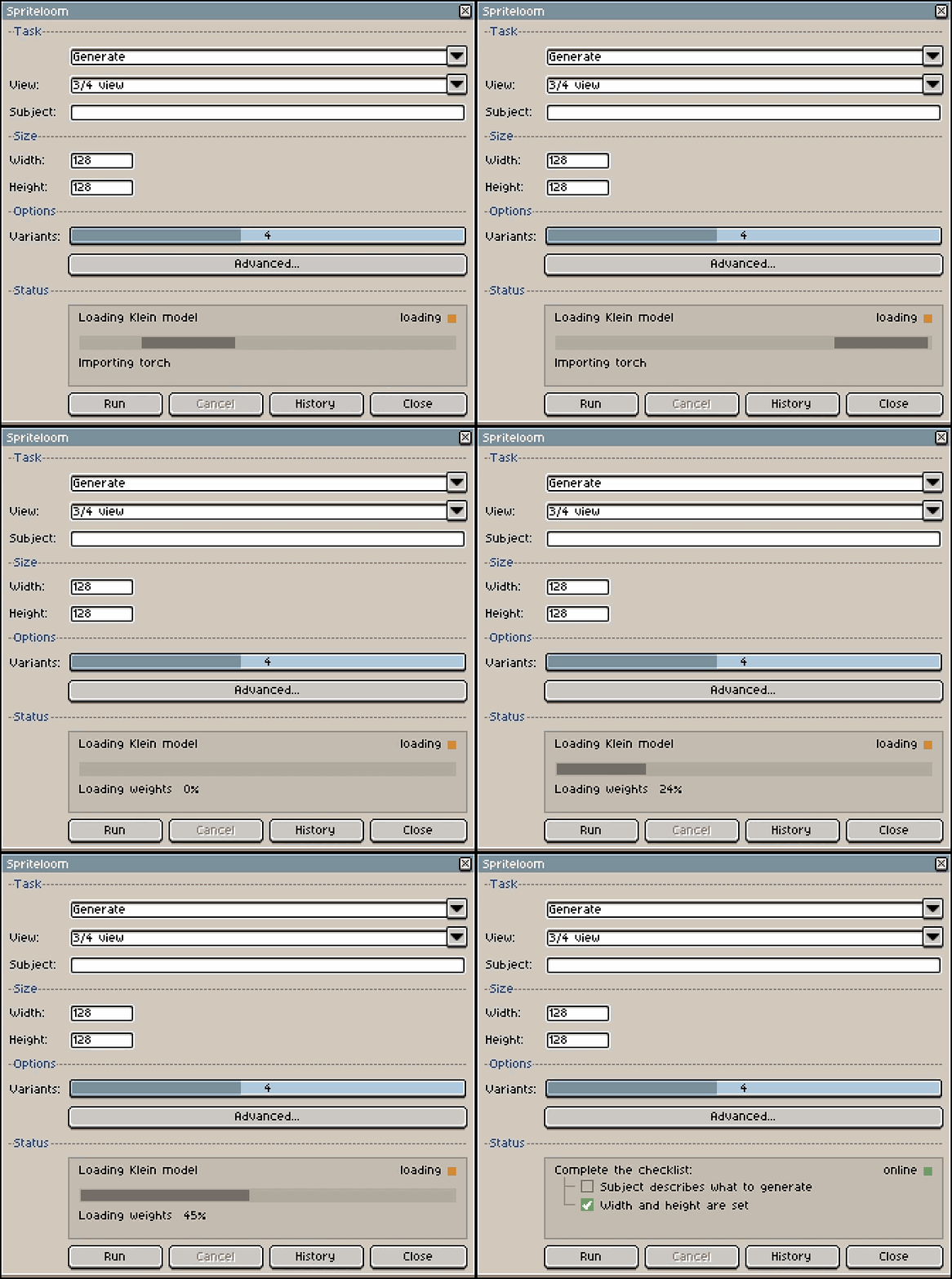
Setup in action, sped up.
Download
Click download now to get access to the following files:

Leave a comment
Log in with itch.io to leave a comment.